
AI Voice Receptionist for Epic Clinics and Community Connect Practices
By The Zaya Health team
Epic runs the schedules of many of the country's largest health systems and the clinics affiliated with them. That scale brings its own phone problem: centralized call centers with long queues, clinic lines that roll to voicemail, and patients who give up before they ever reach a scheduler. Zaya is an AI voice receptionist built by physicians that answers every call instantly, talks with patients in plain language instead of phone-tree menus, verifies identity, and handles routine scheduling requests 24/7.
For an Epic organization, the question is never just "Can it book?" It is "How does it connect, who approves it, and does it respect our build?" This page answers those questions plainly, and flags where details are confirmed during your project.
Book a demo to walk through Zaya with your access, IT, and ambulatory operations leads.
How Zaya connects to Epic
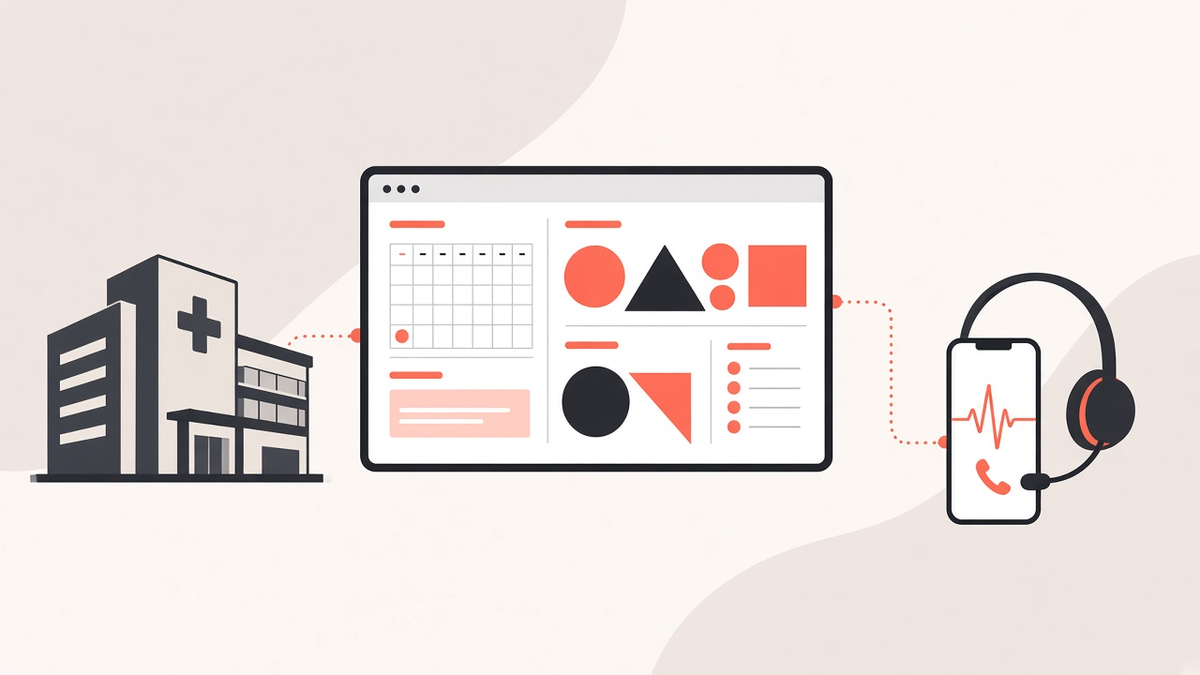
Zaya connects to Epic through its own proprietary integration software. Zaya works alongside Epic as your practice already uses it, so your team keeps its existing schedule, templates, and workflows. We set up and test the connection for your practice during onboarding, so there is nothing for your staff to build.
What Zaya does inside Epic
Inside Epic, scheduling is governed by your organization's build: departments, providers, visit types, templates, and decision trees. Zaya is configured to follow those rules rather than work around them.
- Book. Zaya searches for open times that match the visit type and provider the caller needs, offers a few clear options, and books the chosen slot into the Epic schedule. Appointments are booked directly in the live schedule.
- Reschedule. Zaya finds the patient's existing appointment, offers new times that fit the same rules, and moves the visit so the original slot opens up for someone else.
- Cancel. Zaya confirms which appointment the caller means and cancels it, so the time is released back to the schedule and can be offered to waitlisted patients.
- Verify the patient. Before discussing or changing anything, Zaya verifies the caller by name and date of birth.
- Messages. Refill requests, billing questions, and callback requests are captured in a structured summary. Messages can go directly into Epic as telephone encounters, be emailed to staff, or be viewed in a protected, secure portal.
Zaya also confirms details with the patient at the end of every call and can send an SMS confirmation.
Common front-desk problems for Epic practices
- Centralized call center queues. Many Epic health systems route clinic calls through a central access center. Queues get long on Monday mornings, and simple reschedules wait behind complex calls. Zaya can absorb overflow and the routine requests so human schedulers can focus on the hard ones.
- MyChart doesn't reach everyone. MyChart self-scheduling and waitlist tools work well for patients who are active in the portal. Patients without accounts, older adults, and caregivers calling for a family member still pick up the phone.
- Complex decision trees. Epic builds often encode which visit types can be booked by whom. New schedulers take months to learn them. Zaya follows the scheduling rules mapped during setup on every call.
- After-hours gaps. Clinic lines that close at 5 p.m. leave patients with a voicemail box or an answering service that can only take a message. Zaya books and answers questions when the clinic is closed.
- Multilingual patient populations. Large systems serve patients in many languages, and interpreter lines add wait time to simple scheduling calls.
- IT bandwidth. Epic analyst time is scarce. A receptionist tool that requires a heavy custom build may never get prioritized.
Setup steps
- Map your workflows. We review your call types, visit types, provider rules, and how your team wants messages delivered.
- Connect Epic. Zaya's integration software is connected to Epic and your phone line, then we test patient verification, scheduling, and message routing.
- Go live. Zaya starts answering calls on the coverage you choose, such as after hours, overflow, or every call. Setup typically takes about two weeks from kickoff to go-live.
- Tune and expand. Your team reviews call summaries, and we adjust call handling as your needs change.
Built by physicians
Zaya was built by physicians who know how a busy clinic phone line really works: triage, privacy, and the scheduling rules that live in a front-desk team's heads. That clinical perspective shapes how Zaya handles calls for Epic practices.
Specialties
Epic organizations span nearly every specialty, so Zaya's call flows are configured per department:
- Primary care networks: high-volume sick visits, annual exams, and follow-ups across many clinic locations.
- Pediatrics: parents scheduling for children, well-child visit timing, and same-day sick slots.
- Oncology and other specialty clinics: new-patient referrals, follow-up scheduling tied to treatment calendars, and careful routing of clinical questions to nurses.
- Women's health, orthopedics, and surgical specialties: visit types with distinct lengths and prerequisites that must be booked correctly.
HIPAA and privacy
Zaya signs a Business Associate Agreement (BAA) with every client and has HIPAA safeguards in place. Callers are verified by name and date of birth before any appointment details are discussed or changed, and messages can be viewed by staff in a protected, secure portal.
Zaya supports administrative communication and scheduling. It does not provide medical advice. Callers with a medical emergency should dial 911.
FAQ
Does Zaya integrate with Epic?
Yes. Zaya connects to Epic through its own proprietary integration software and works alongside Epic to verify patients by name and date of birth, check the live schedule, and book, reschedule, or cancel appointments.
Do we need approval from Epic to use Zaya?
Your organization decides which tools work alongside its Epic instance, typically after an internal security review. Zaya signs a BAA with every client and works with your team through setup, which typically takes about two weeks.
Our clinic uses Epic through a hospital's Community Connect program. Can we use Zaya?
Usually the host health system controls third-party connections to a Community Connect instance, so its IT team will need to approve and activate Zaya. We can help you prepare that request.
How does Zaya compare to MyChart self-scheduling?
MyChart lets portal users book online. Zaya serves patients who call, answering by voice 24/7. The two work well together, because Zaya reaches patients who don't use the portal.
Will Zaya follow our Epic visit types and decision trees?
Yes. Your scheduling rules are mapped during setup, and Zaya only offers appointments that fit them. Anything outside those rules is routed to your staff.
Can Zaya handle overflow from our call center?
Yes. Zaya handles unlimited simultaneous calls, so it can take overflow or after-hours calls without hold times.
What happens with urgent clinical calls?
Urgent calls are routed according to your policy, such as transfer to a nurse line. Zaya does not provide medical advice and directs emergencies to 911.
Bring 24/7 call coverage to your Epic clinics. See how Zaya would handle your patients' calls.
Or call our demo line at (713) 597-5176.

AI voice receptionist for medical offices.
NAVIGATE
SOLUTIONS
SPECIALTIES
CONNECT
Transform your Practice
See how Zaya Health can help your clinic today.
Zaya Health supports administrative communication and scheduling. It does not provide medical advice.
© 2026 Zaya Health. All rights reserved.